

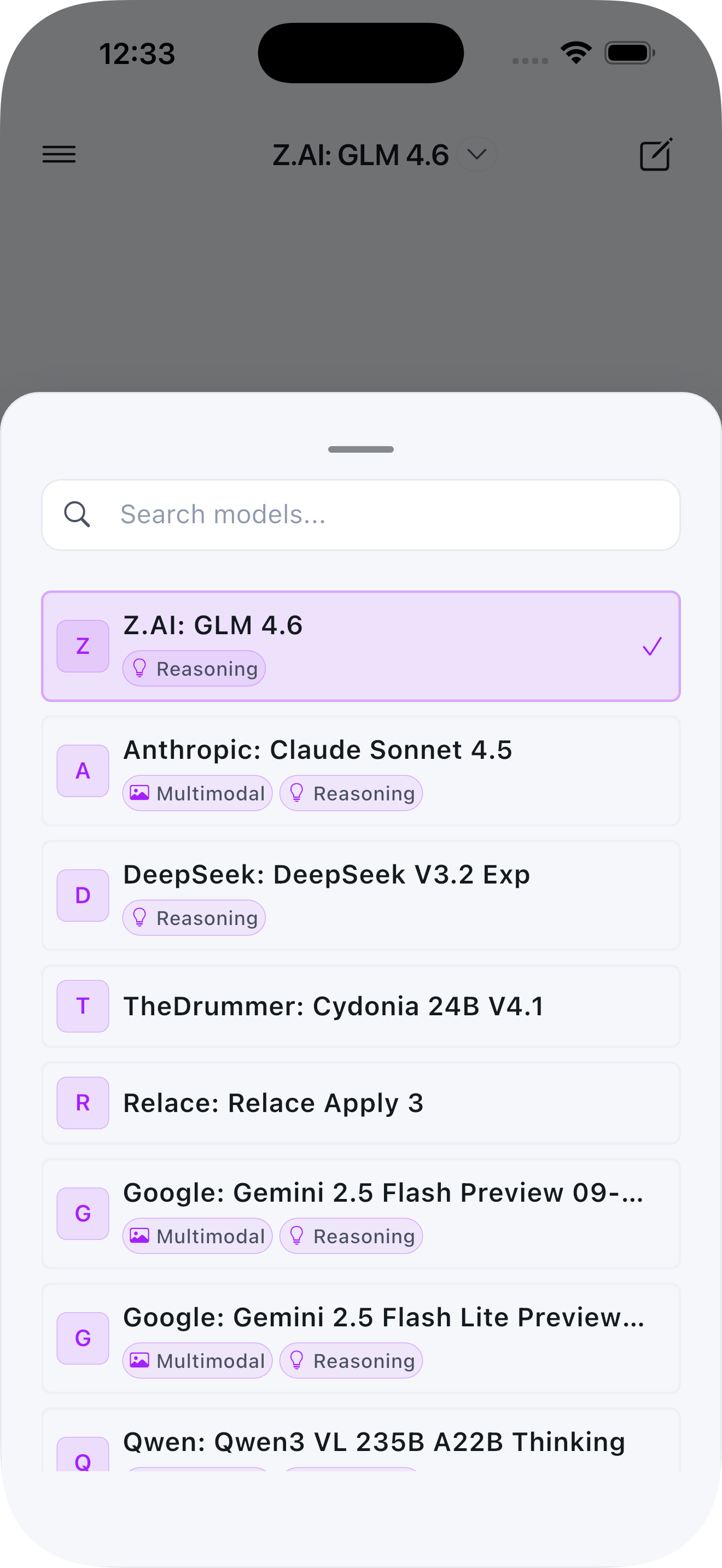
 |
| 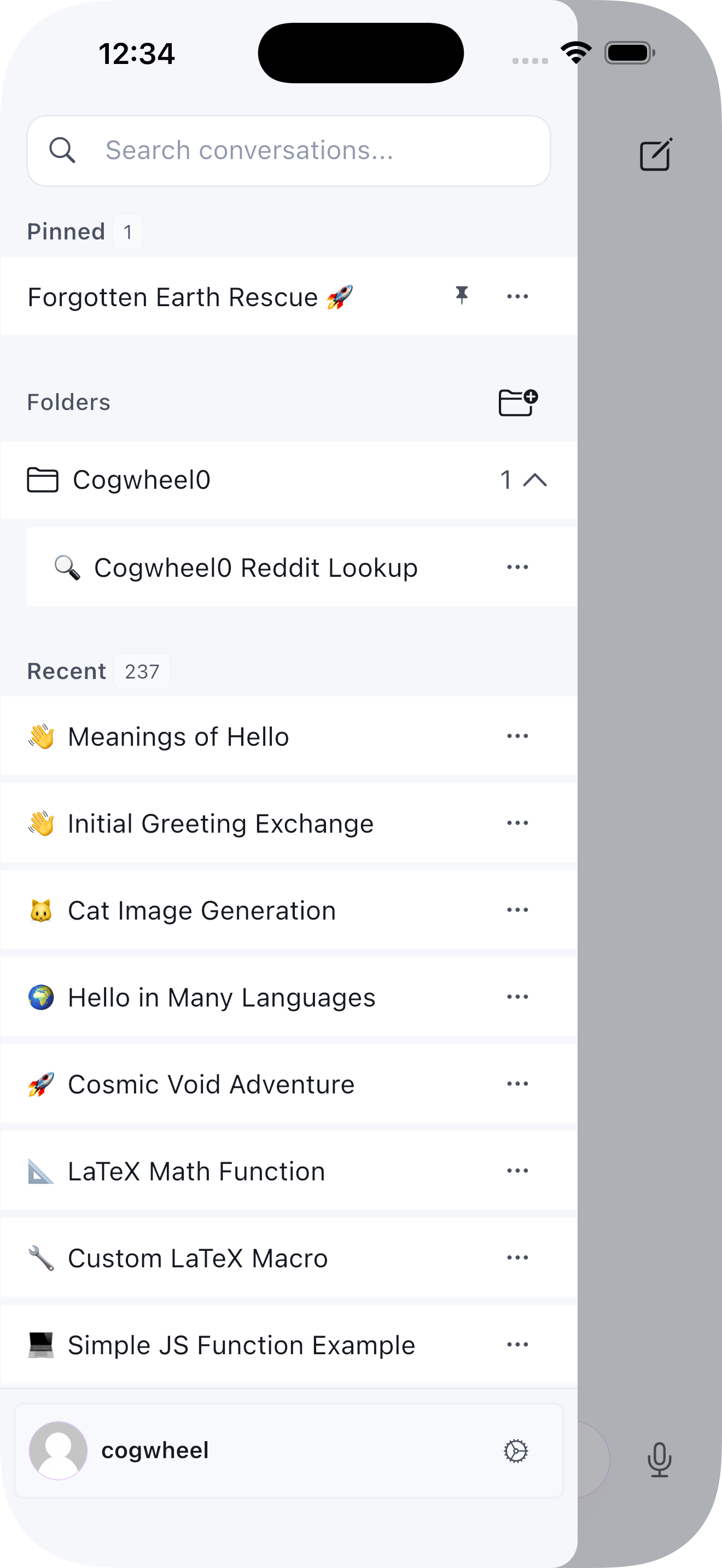 |
| 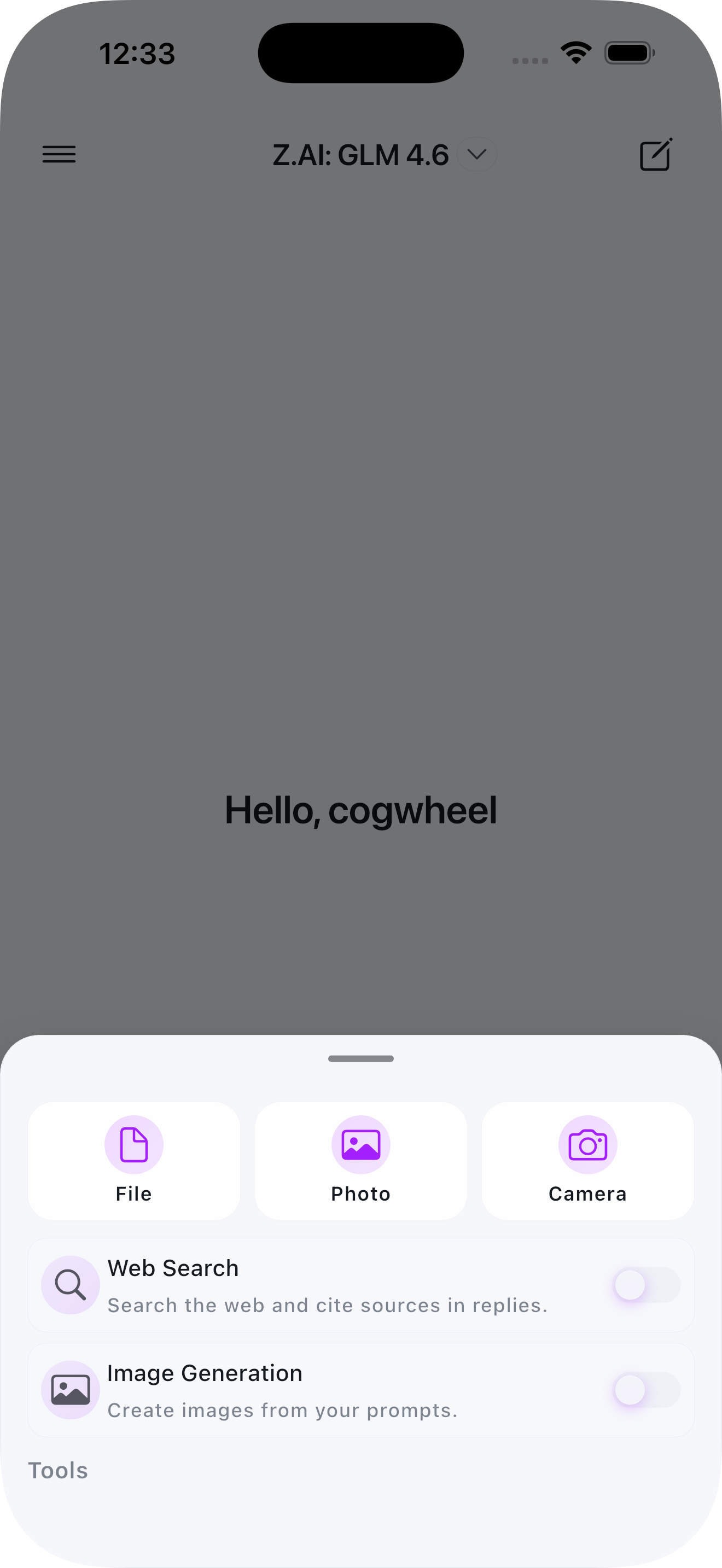 |
|  |
## Requirements
- Flutter SDK 3.0.0 or higher
- Android 6.0 (API 23) or higher
- iOS 12.0 or higher
- A running Open-WebUI instance
## Installation
1. Clone the repository:
```bash
git clone https://github.com/yourusername/conduit.git
cd conduit
```
2. Install dependencies:
```bash
flutter pub get
```
3. Generate code:
```bash
flutter pub run build_runner build --delete-conflicting-outputs
```
4. Run the app:
```bash
# For iOS
flutter run -d ios
# For Android
flutter run -d android
```
## Building for Release
### Android
```bash
flutter build apk --release
# or for App Bundle
flutter build appbundle --release
```
### iOS
```bash
flutter build ios --release
```
## Configuration
### Android
The app requires the following permissions:
- Internet access
- Microphone (for voice input)
- Camera (for taking photos)
- Storage (for file selection)
### iOS
The app will request permissions for:
- Microphone access (voice input)
- Speech recognition
- Camera access
- Photo library access
## Localization (i18n)
See the dedicated documentation: [docs/localization.md](docs/localization.md)
## Compatibility
| Conduit App | Open‑WebUI | Notes |
| --- | --- | --- |
| 1.x | 0.3.x+ | OpenAPI validation removed in 1.1+ (no bundled schema) |
## Docs
- Localization: `docs/localization.md`
- Architecture (planned): `docs/architecture.md`
- Theming (planned): `docs/theming.md`
- Release Process (planned): `docs/release.md`
## Architecture
The app follows a clean architecture pattern with:
- **Riverpod** for state management
- **Dio** for HTTP networking
- **WebSocket** for real-time streaming
- **Flutter Secure Storage** for credential management
### Project Structure
```
lib/
├── core/
│ ├── models/ # Data models
│ ├── services/ # API and storage services
│ ├── providers/ # Global state providers
│ └── utils/ # Utility functions
├── features/
│ ├── auth/ # Authentication feature
│ ├── chat/ # Chat interface feature
│ ├── server/ # Server connection feature
│ └── settings/ # Settings feature
└── shared/
├── theme/ # App theming
├── widgets/ # Shared widgets
└── utils/ # Shared utilities
```
## Contributing
Contributions are welcome! Please feel free to submit a Pull Request.
Developer workflow:
```bash
flutter analyze
flutter pub run build_runner build --delete-conflicting-outputs
# flutter test # add when tests are available
```
1. Fork the project
2. Create your feature branch (`git checkout -b feature/AmazingFeature`)
3. Commit your changes (`git commit -m 'Add some AmazingFeature'`)
4. Push to the branch (`git push origin feature/AmazingFeature`)
5. Open a Pull Request
## Troubleshooting
- iOS: ensure recent Xcode, run `cd ios && pod install`, set signing team in Xcode if building on device.
- Android: minSdk 23+, ensure correct Java and Gradle; if builds fail, try `flutter clean`.
- Codegen conflicts: `flutter pub run build_runner build --delete-conflicting-outputs`.
## Security & Privacy
- Credentials are stored using platform secure storage (Keychain/Keystore).
- No analytics or telemetry are collected.
- Network calls are only made to your configured Open‑WebUI server.
### Endpoint Allowlist (Custom Auth)
If you protect Open‑WebUI with SSO or a reverse proxy (Authlia, Authentik,
etc.), whitelist these path prefixes so Conduit can complete login, sync, and
streaming flows. Paths are relative to your server base URL.
- `/health`
- `/api/*`
WebSocket connections use the Socket.IO handshake on `/ws/socket.io`. Ensure the
same headers (or allowlist rules) apply there as well.
## License
This project is licensed under the GPL3 License - see the LICENSE file for details.
## Acknowledgments
- Open-WebUI team for creating an amazing self-hosted AI interface
- Flutter team for the excellent mobile framework
- All contributors and users of Conduit
## Support
For issues and feature requests, please use the [GitHub Issues](https://github.com/cogwheel0/conduit/issues) page.
|
## Requirements
- Flutter SDK 3.0.0 or higher
- Android 6.0 (API 23) or higher
- iOS 12.0 or higher
- A running Open-WebUI instance
## Installation
1. Clone the repository:
```bash
git clone https://github.com/yourusername/conduit.git
cd conduit
```
2. Install dependencies:
```bash
flutter pub get
```
3. Generate code:
```bash
flutter pub run build_runner build --delete-conflicting-outputs
```
4. Run the app:
```bash
# For iOS
flutter run -d ios
# For Android
flutter run -d android
```
## Building for Release
### Android
```bash
flutter build apk --release
# or for App Bundle
flutter build appbundle --release
```
### iOS
```bash
flutter build ios --release
```
## Configuration
### Android
The app requires the following permissions:
- Internet access
- Microphone (for voice input)
- Camera (for taking photos)
- Storage (for file selection)
### iOS
The app will request permissions for:
- Microphone access (voice input)
- Speech recognition
- Camera access
- Photo library access
## Localization (i18n)
See the dedicated documentation: [docs/localization.md](docs/localization.md)
## Compatibility
| Conduit App | Open‑WebUI | Notes |
| --- | --- | --- |
| 1.x | 0.3.x+ | OpenAPI validation removed in 1.1+ (no bundled schema) |
## Docs
- Localization: `docs/localization.md`
- Architecture (planned): `docs/architecture.md`
- Theming (planned): `docs/theming.md`
- Release Process (planned): `docs/release.md`
## Architecture
The app follows a clean architecture pattern with:
- **Riverpod** for state management
- **Dio** for HTTP networking
- **WebSocket** for real-time streaming
- **Flutter Secure Storage** for credential management
### Project Structure
```
lib/
├── core/
│ ├── models/ # Data models
│ ├── services/ # API and storage services
│ ├── providers/ # Global state providers
│ └── utils/ # Utility functions
├── features/
│ ├── auth/ # Authentication feature
│ ├── chat/ # Chat interface feature
│ ├── server/ # Server connection feature
│ └── settings/ # Settings feature
└── shared/
├── theme/ # App theming
├── widgets/ # Shared widgets
└── utils/ # Shared utilities
```
## Contributing
Contributions are welcome! Please feel free to submit a Pull Request.
Developer workflow:
```bash
flutter analyze
flutter pub run build_runner build --delete-conflicting-outputs
# flutter test # add when tests are available
```
1. Fork the project
2. Create your feature branch (`git checkout -b feature/AmazingFeature`)
3. Commit your changes (`git commit -m 'Add some AmazingFeature'`)
4. Push to the branch (`git push origin feature/AmazingFeature`)
5. Open a Pull Request
## Troubleshooting
- iOS: ensure recent Xcode, run `cd ios && pod install`, set signing team in Xcode if building on device.
- Android: minSdk 23+, ensure correct Java and Gradle; if builds fail, try `flutter clean`.
- Codegen conflicts: `flutter pub run build_runner build --delete-conflicting-outputs`.
## Security & Privacy
- Credentials are stored using platform secure storage (Keychain/Keystore).
- No analytics or telemetry are collected.
- Network calls are only made to your configured Open‑WebUI server.
### Endpoint Allowlist (Custom Auth)
If you protect Open‑WebUI with SSO or a reverse proxy (Authlia, Authentik,
etc.), whitelist these path prefixes so Conduit can complete login, sync, and
streaming flows. Paths are relative to your server base URL.
- `/health`
- `/api/*`
WebSocket connections use the Socket.IO handshake on `/ws/socket.io`. Ensure the
same headers (or allowlist rules) apply there as well.
## License
This project is licensed under the GPL3 License - see the LICENSE file for details.
## Acknowledgments
- Open-WebUI team for creating an amazing self-hosted AI interface
- Flutter team for the excellent mobile framework
- All contributors and users of Conduit
## Support
For issues and feature requests, please use the [GitHub Issues](https://github.com/cogwheel0/conduit/issues) page.